In order to send a message or communicate with a customer see the steps below.
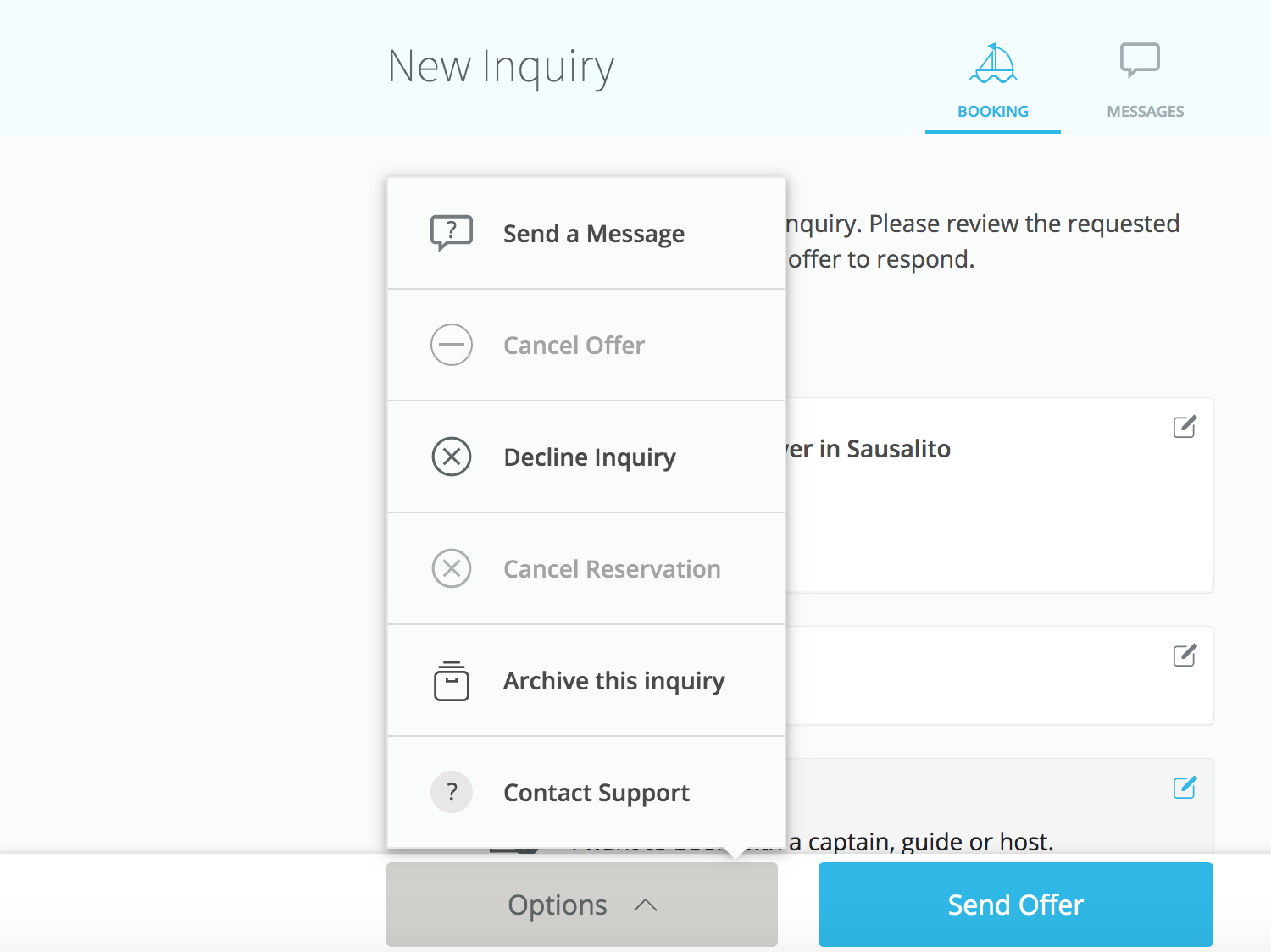
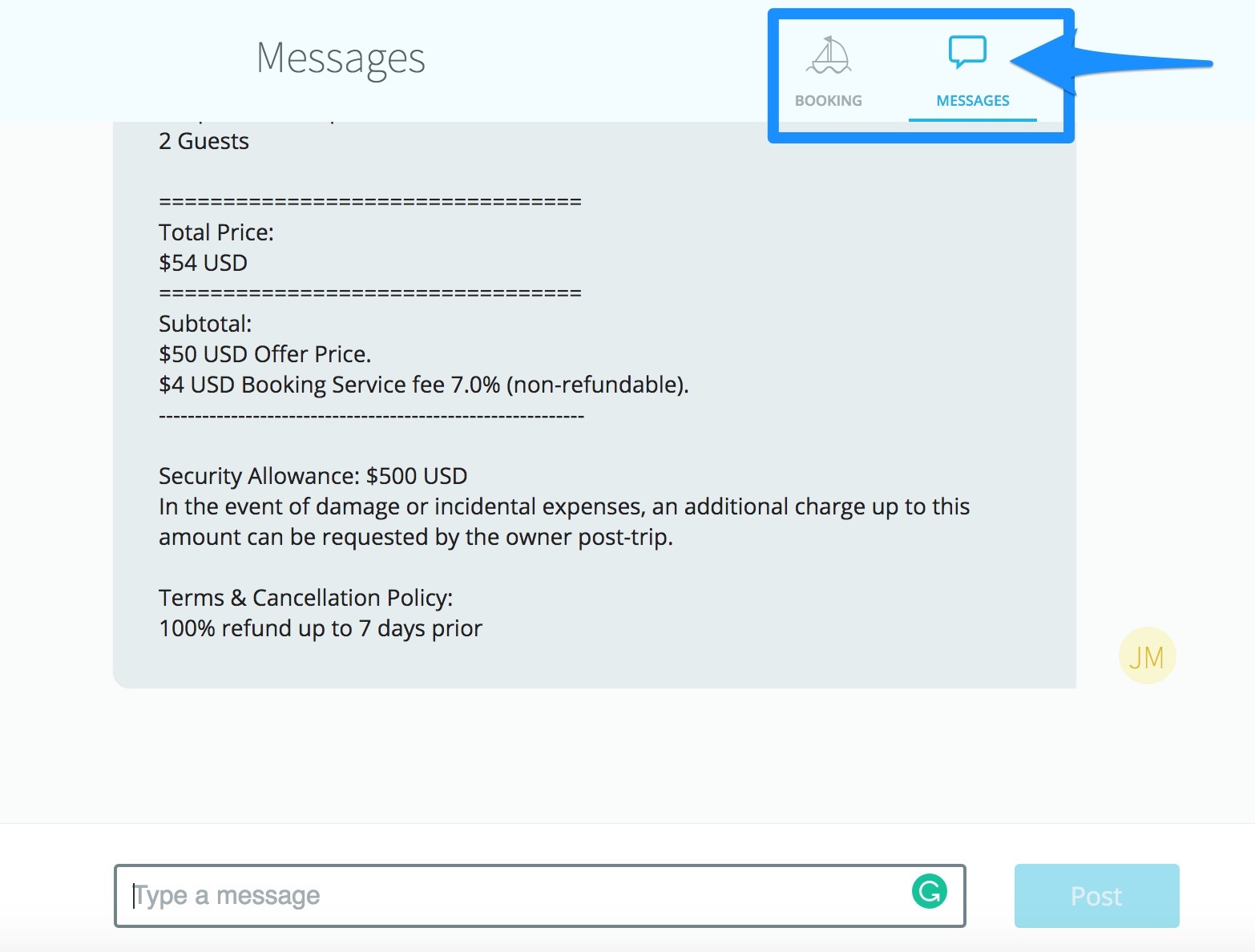
Here are the simple steps to send messages:
- Go to your Getmyboat Inbox
- Find the inquiry for which you wish to send a message
- Click on the Options button and click Send Message OR click on the Messages tab to bring up the messaging view. You will see any previously sent or received messages and a text box to send a message.
That's it! Once you send a message, the other party will be notified. As a reminder, please note that Getmyboat does not allow the sharing of phone numbers, emails, websites, social media profiles, or any other ways for a customer to contact you off-platform until after an offer is accepted and the booking is confirmed through our system.