You can quickly and easily change your password on desktop by following the instructions below:
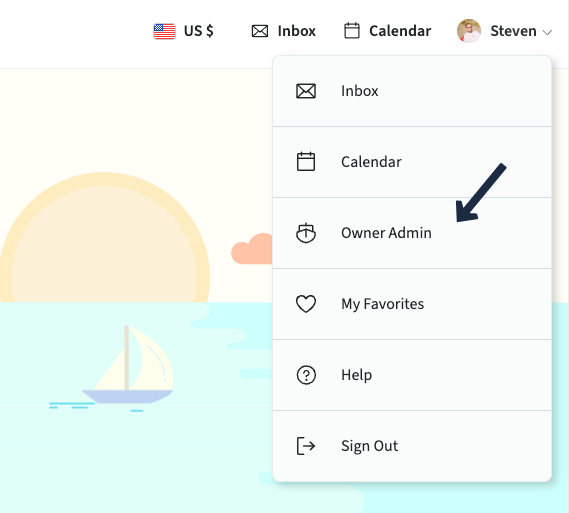
- Select your name and icon in the top right corner of the screen. Choose Owner Admin from the dropdown menu
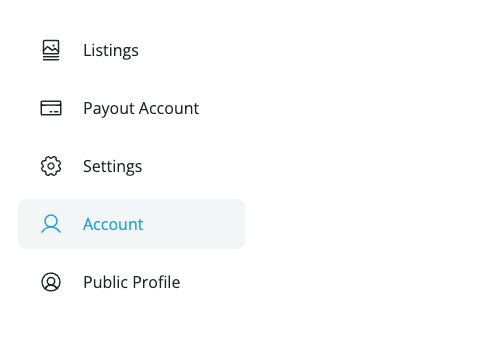
- Click Account from the list on the left side of the screen
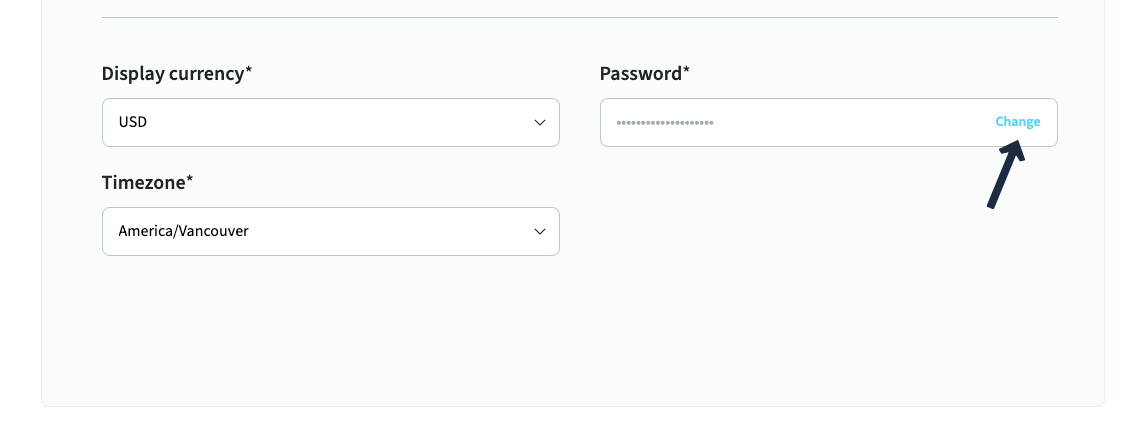
- In the account details section, scroll down to find the password field and click Change
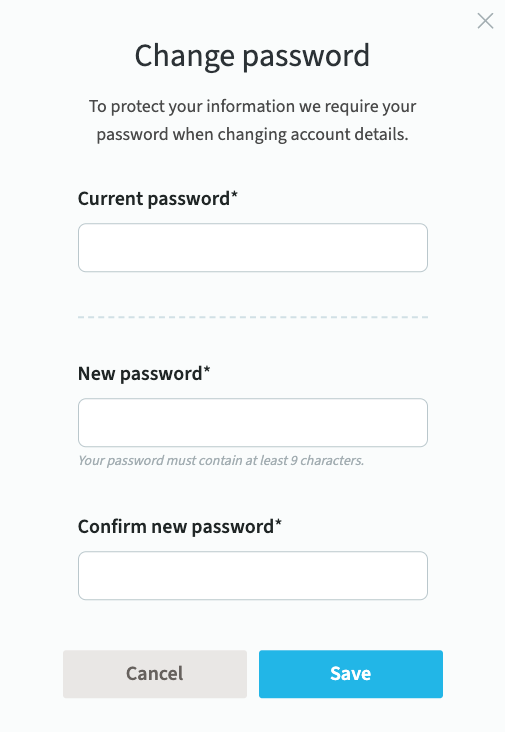
- Confirm your current password
- Enter and confirm your new password in both fields
- Click the save button and you are all set!
If you run into any issues changing your password, please contact us at support@getmyboat.com